
THE FREE QUEST DEMO
Build something
worth playing.
A little island. A lot of possibilities. Claim your plot, dream up an obby, and bring your friends along for the ride.
Download the demov0.0.29 · 24.8 MB · Quest 2 & Quest 3
Now called Orbit VR Demo, with flowing water and everything from the latest build.
First time installing an APK?
on a little island.029
DEMO
WELCOME TO YOUR WORKSHOP
Small island.
Big builder energy.
Make the jump impossible.
Then invite someone to prove you wrong.
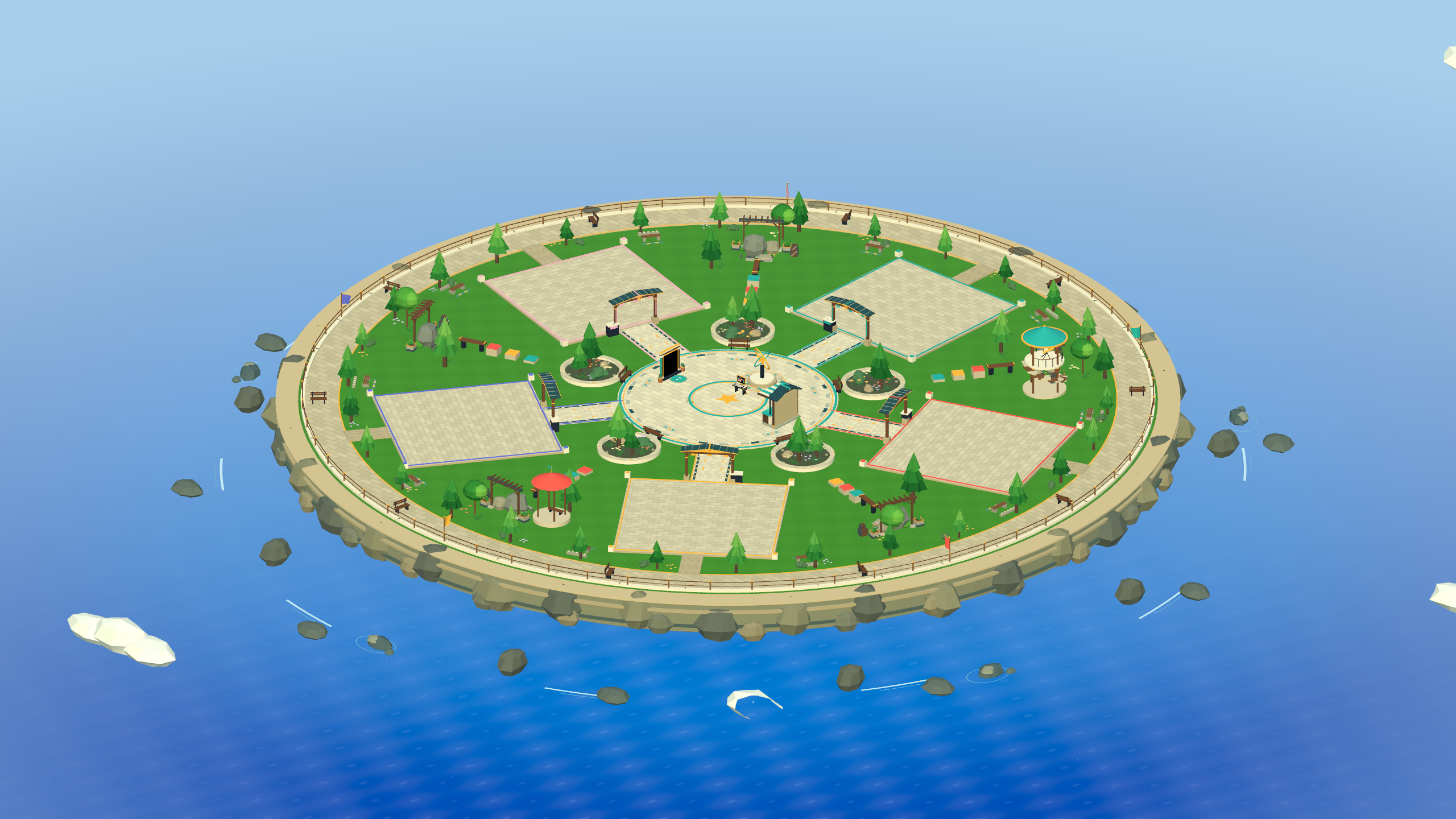
Watch the water flow.
Rolling blue waves and drifting crests, captured from the Unity game.
Your corner of the island.
Claim a plot and turn an empty space into your next great course.
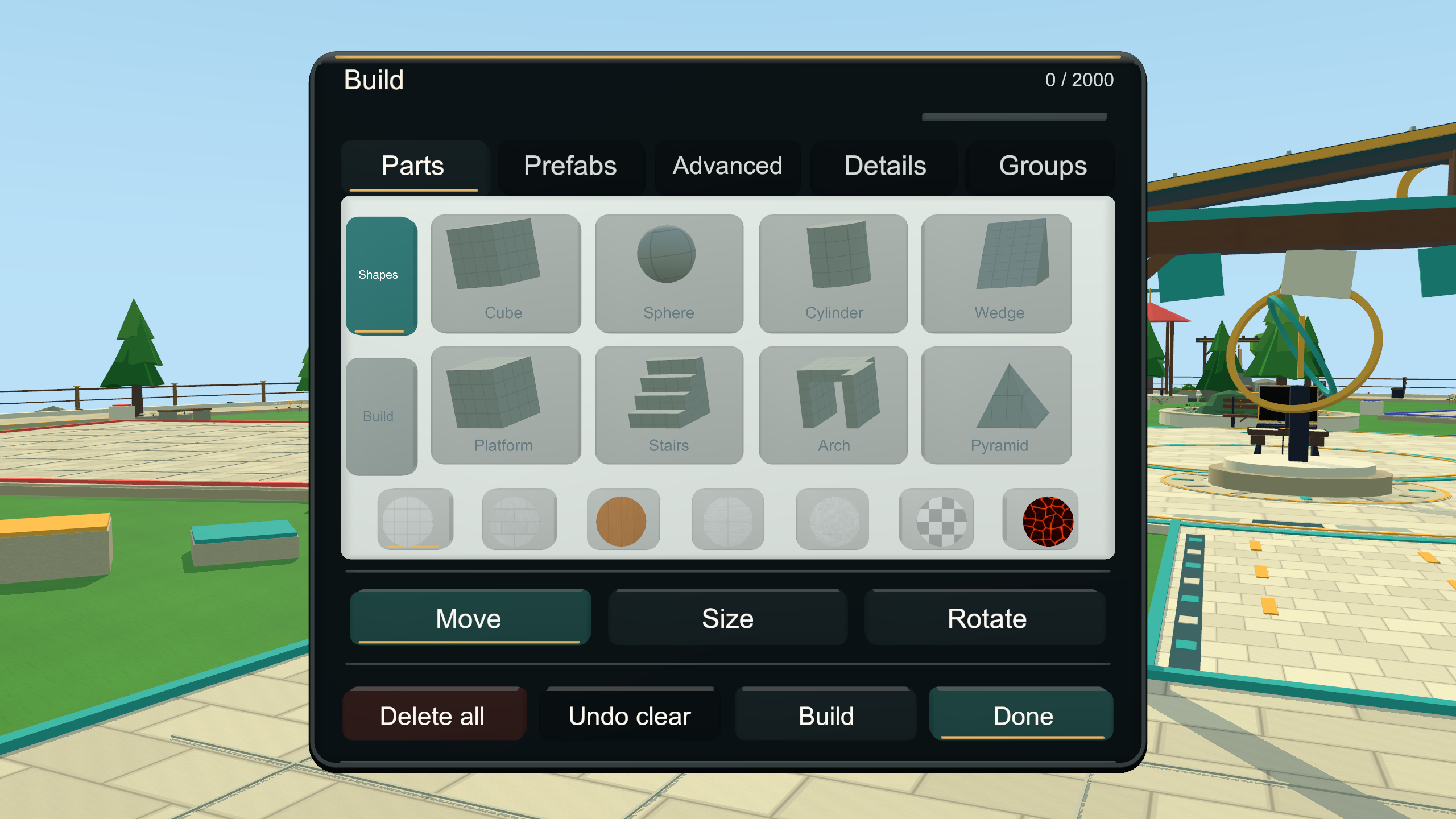
Start with one block.
Mix parts, colors and advanced blocks within a 2,000-complexity budget.
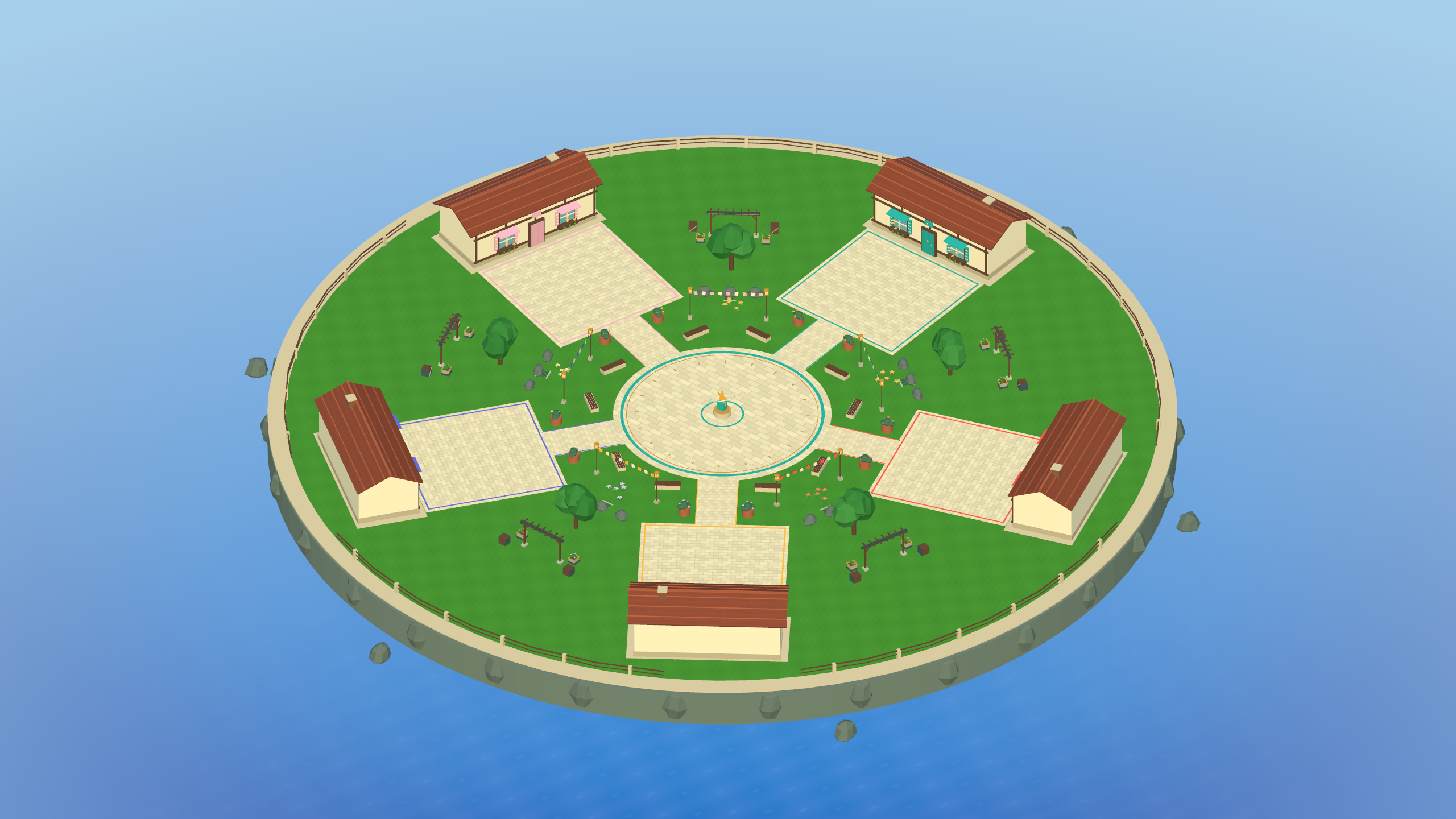
A topic. A timer. Your idea.
Bring friends into Build Battle and vote for your favorite creation.
Previews captured in Unity. The demo is still evolving; headset appearance can vary.
FROM DOWNLOAD TO HEADSET
Three steps.
Then you're in.
- 01 /
Download on your Quest.
Open this website in your Quest browser and choose Download APK. Wait for the download to finish.
- 02 /
Open Cx File Explorer.
On your headset, open Cx File Explorer, go to Downloads, and select the latest Orbit VR APK.
- 03 /
Install. Jump in.
Choose Install in the headset's installer. Open Orbit VR Demo from Unknown Sources in your app library. Install future demo APKs the same way.
These steps assume Cx File Explorer is already installed on your Quest. This edition installs separately from Orbit VR Test. Your old app and its saves stay there. This is a standalone sideload demo.
GOOD TO KNOW
Before your
first jump.
A few answers, then back to building.
Is the demo free?
Yes. Downloading this APK and playing the demo is free. This website has no checkout, subscription or payment form.
Which headsets is this for?
This ARM64 Quest build is made for Meta Quest 2 and Meta Quest 3. It is not a PC VR build. It remains a demo, so bugs and device differences are possible.
Can I play with my friends?
Workshop and Build Battle support five players per room. Use the same room choice or private room number to meet up. Online services have free-plan limits, so availability can vary.
Is this the version from the main game?
Yes. This APK is built from the main Unity project, with a separate demo app identity. It has no test-only NPC bots. Zomb Racket is temporarily unavailable. Download it directly here and install it on your Quest.
How do voice and player controls work?
Your microphone starts off. The controller Menu button opens the tablet. Go to Players to mute or block someone, mute incoming room audio, or send a voice report. Reports need human review; there is no automatic speech moderation.
When you enable voice, room members receive audio through Firebase. Its latest audio buffers can remain until replaced or cleaned up. Reports contain account and room metadata, not an attached recording. Read the demo data notes before joining.
Where do I send a bug?
Tell us your headset model, game version, what you tried, and what happened. Contact the Orbit VR support email or use the community Discord channel. The Discord link needs an account with access to that server; it isn't an open invitation link.
YOUR NEXT BUILD STARTS HERE
See you
on the island.
No waiting list. Just your headset and a good idea.
File details & verification
- Version
- 0.0.29 · build 29
- File
- OrbitVR-v0.0.29-Demo.apk
- Android package
- com.orbitworkshop.orbitvr.playtest
- SHA-256
d37fcde62745c41a5719ea86f0822bc82ba696550cd910d755a033736edd0f5f
Locally signed demo build.